

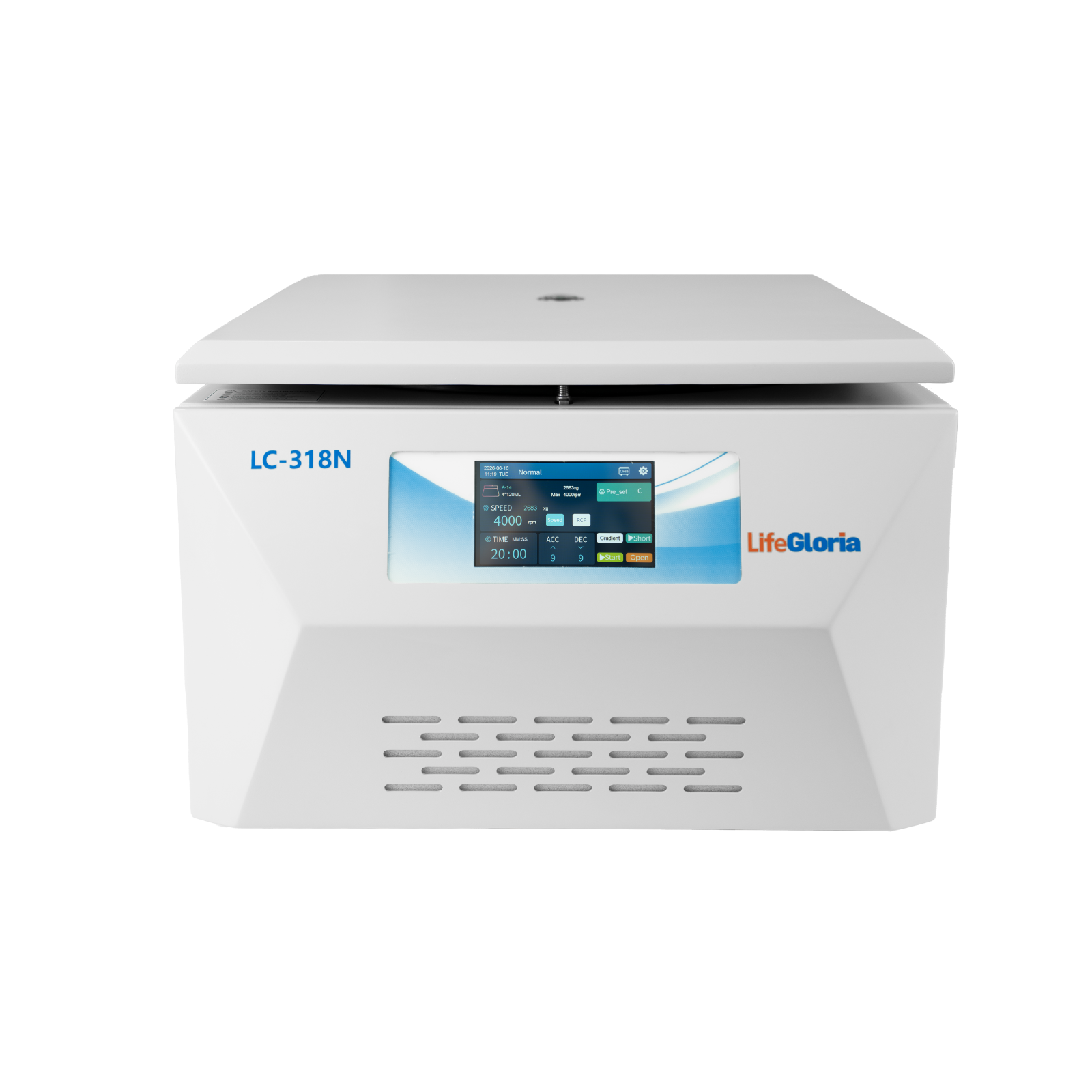
A centrifuge that vibrates, makes unusual noise, refuses to start, or produces weak separation should not be treated as a minor inconvenience. The symptom may come from loading, tube compatibility, rotor installation, settings, power supply, or a component fault.
This guide helps operators perform safe first-line checks. It does not replace model-specific service instructions or authorize opening electrical or mechanical assemblies.
Quick Answer
Stop the run if vibration or noise is abnormal. Wait for the rotor to stop completely, isolate power when the manual requires it, and check load symmetry, matched tube mass, rotor seating, rotor lid, tube damage, foreign objects, and selected speed. Do not bypass the lid interlock, operate a corroded rotor, or repeatedly restart a fault that requires qualified service.

First: Make the Centrifuge Safe
Do not open the lid while the rotor is moving, slow it by hand, or move the instrument during rotation. If a sample may be infectious, toxic, radioactive, or corrosive, follow the laboratory spill and exposure procedure before opening the chamber.
- Press stop or use the approved emergency procedure
- Keep people clear of the instrument
- Wait until speed reaches zero
- Disconnect power before inspections specified by the manual
- Use appropriate PPE and containment for spills
Problem 1: Excessive Vibration or Walking
The most common causes are unequal mass, asymmetric tube placement, mixed tube or adapter types, an incompletely seated rotor, an uneven bench, or damaged accessories.
- Balance by mass, not only by visible liquid level
- Place matched tubes symmetrically
- Confirm all buckets can swing freely
- Check that the rotor and locking nut are fully secured
- Verify that all instrument feet contact a solid, level surface
Problem 2: Unusual Noise
A brief change in sound while passing through a critical speed can occur on some systems, but scraping, repeated impact, grinding, or a sudden new noise is not normal.
- Stop and check for loose tubes, caps, adapters, or rotor lids
- Remove foreign objects from the chamber
- Inspect for contact marks
- Do not reuse a cracked or corroded rotor
- Arrange service if bearing or drive noise persists
Problem 3: Centrifuge Will Not Start
Common causes include an open lid, incomplete lid engagement, missing or incorrectly installed rotor, invalid settings, power-supply problems, or an active safety fault.
- Confirm the outlet and rated voltage
- Close the lid until the interlock indicates secure
- Install an approved rotor correctly
- Enter values within the allowed range
- Record the displayed fault code before restarting
Problem 4: Lid Will Not Open
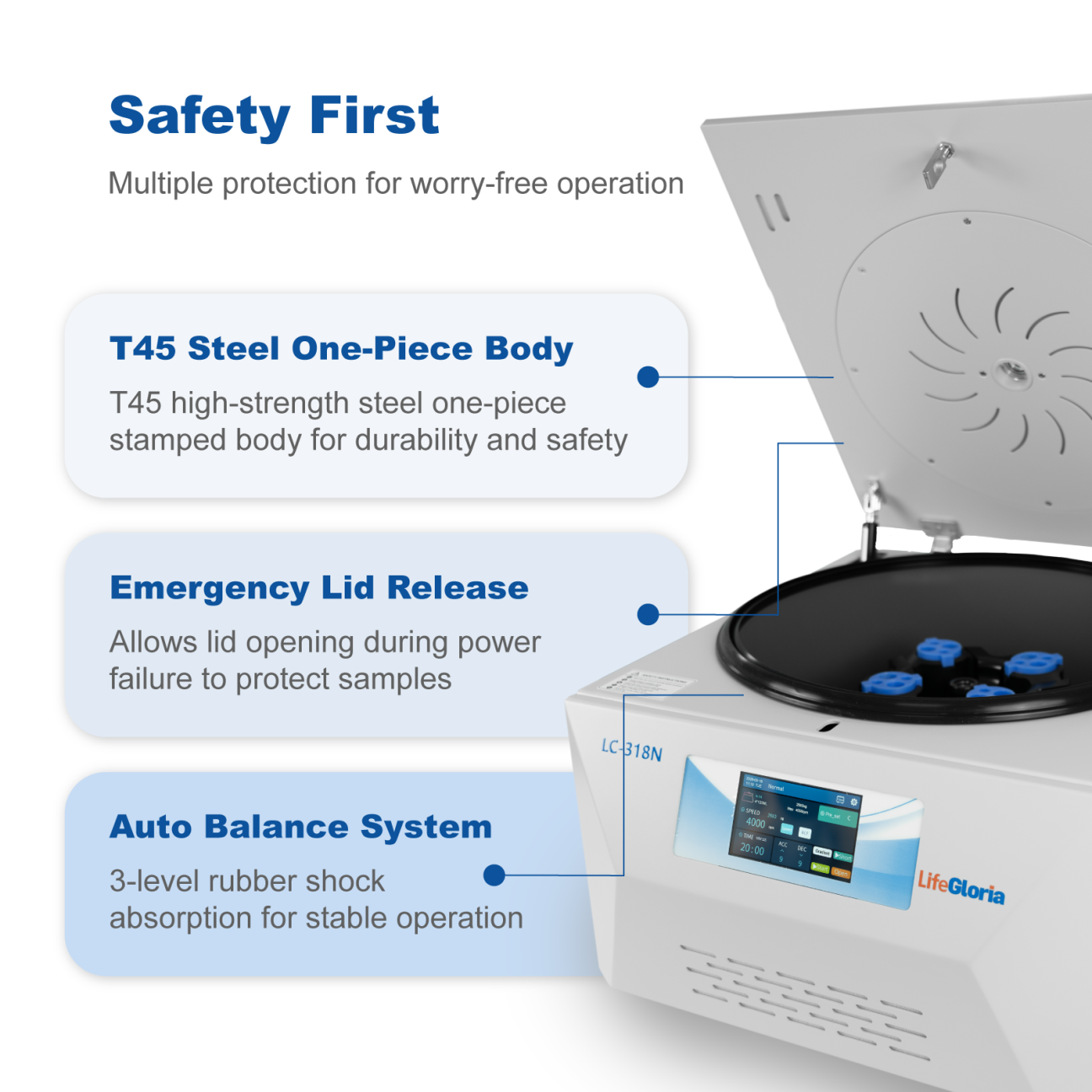
Most systems keep the lid locked until rotor speed is zero. After a power interruption, use only the manual's approved emergency-release procedure. Never pry the lid or defeat the lock.
If the display shows zero but the lid remains locked, note the status and contact qualified service after completing the safe checks in the manual.
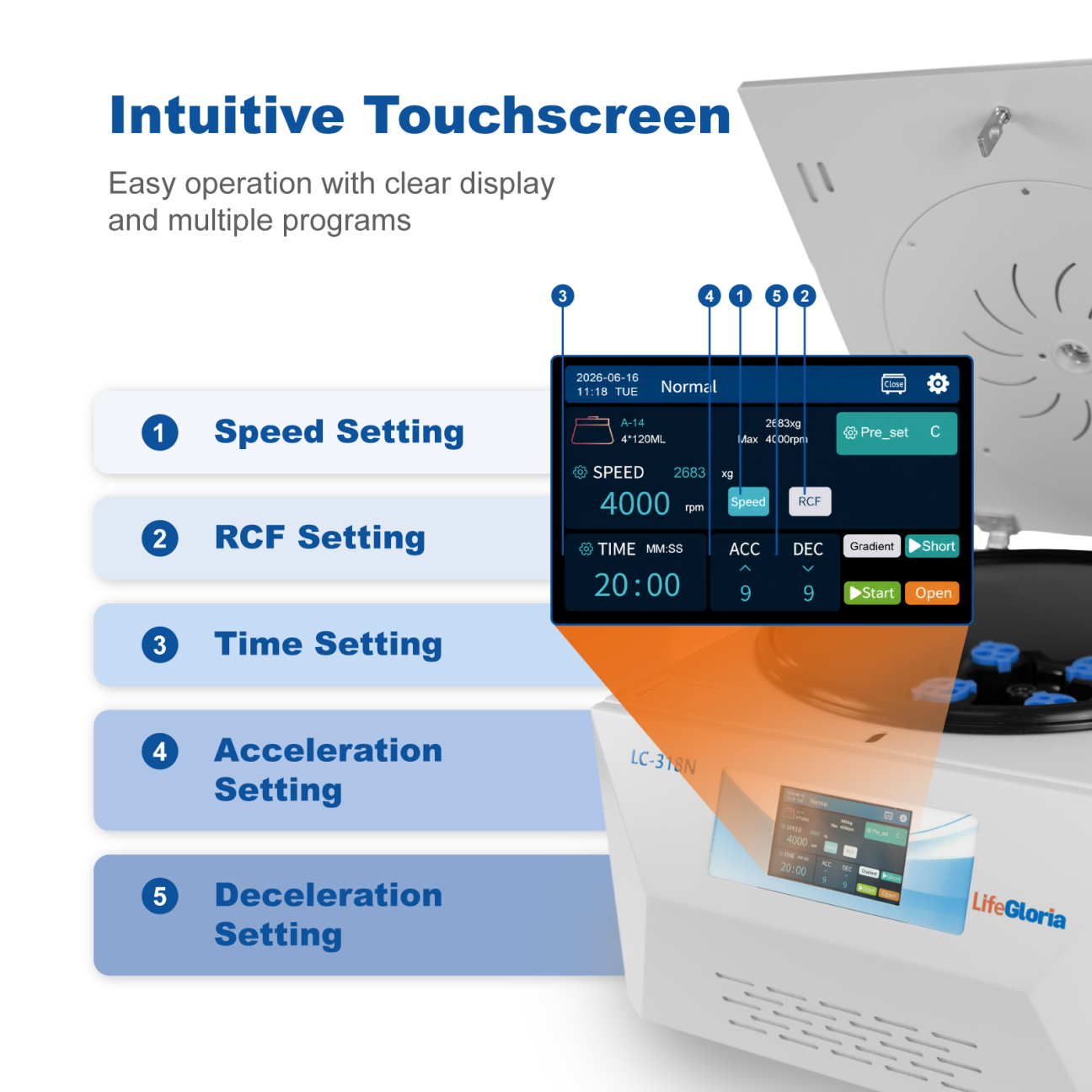
Problem 5: Speed or RCF Does Not Match the Protocol
Confirm whether the method uses RPM or RCF, verify the installed rotor selection, and check the rotor's maximum allowed speed. Automatic rotor recognition can reduce selection errors but does not replace operator verification.
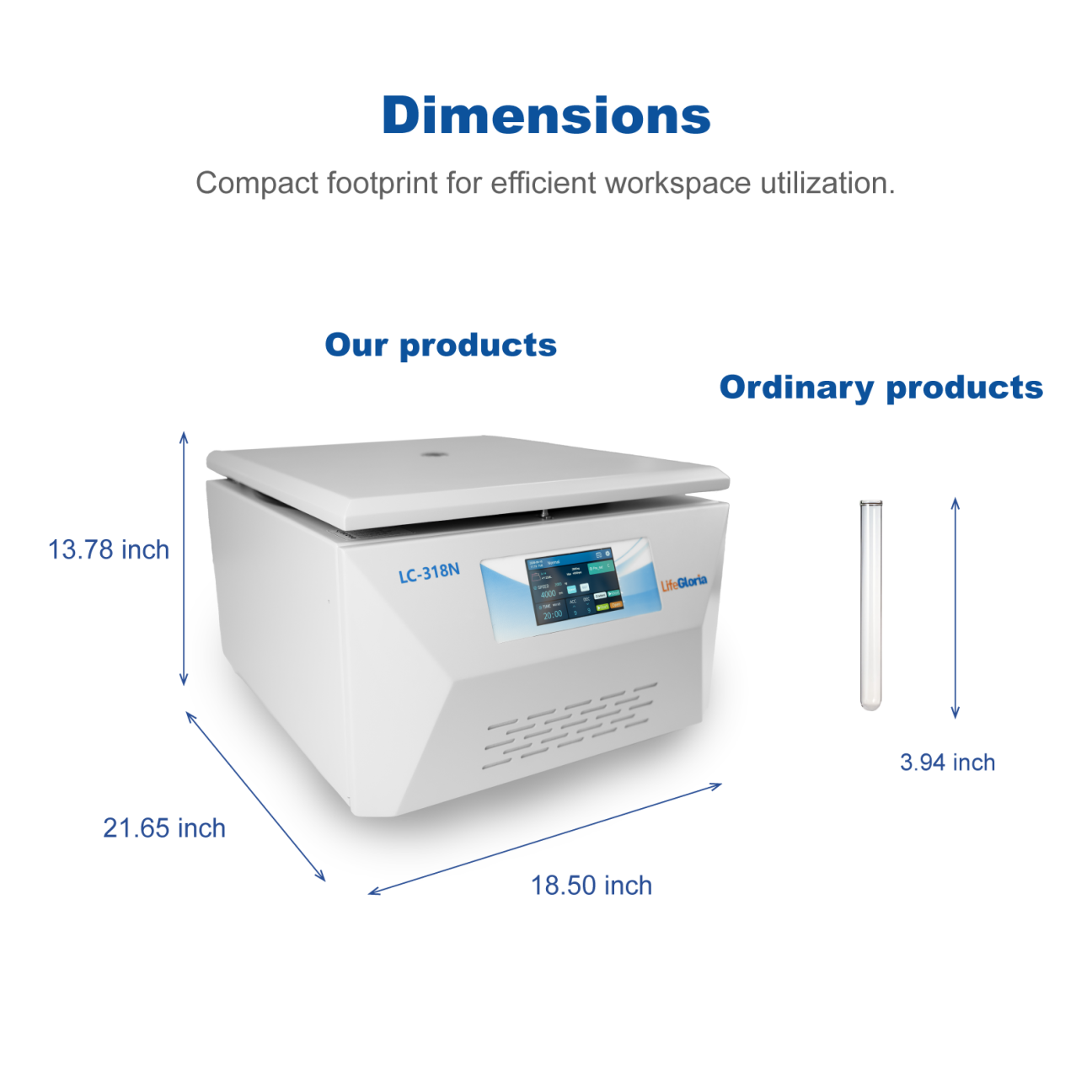
The LC-318N has different speed and RCF limits for its various rotors. The instrument's 18,500 RPM maximum applies to the corresponding 12 × 1.5/2 mL rotor, not every configuration.
Problem 6: Poor or Inconsistent Separation
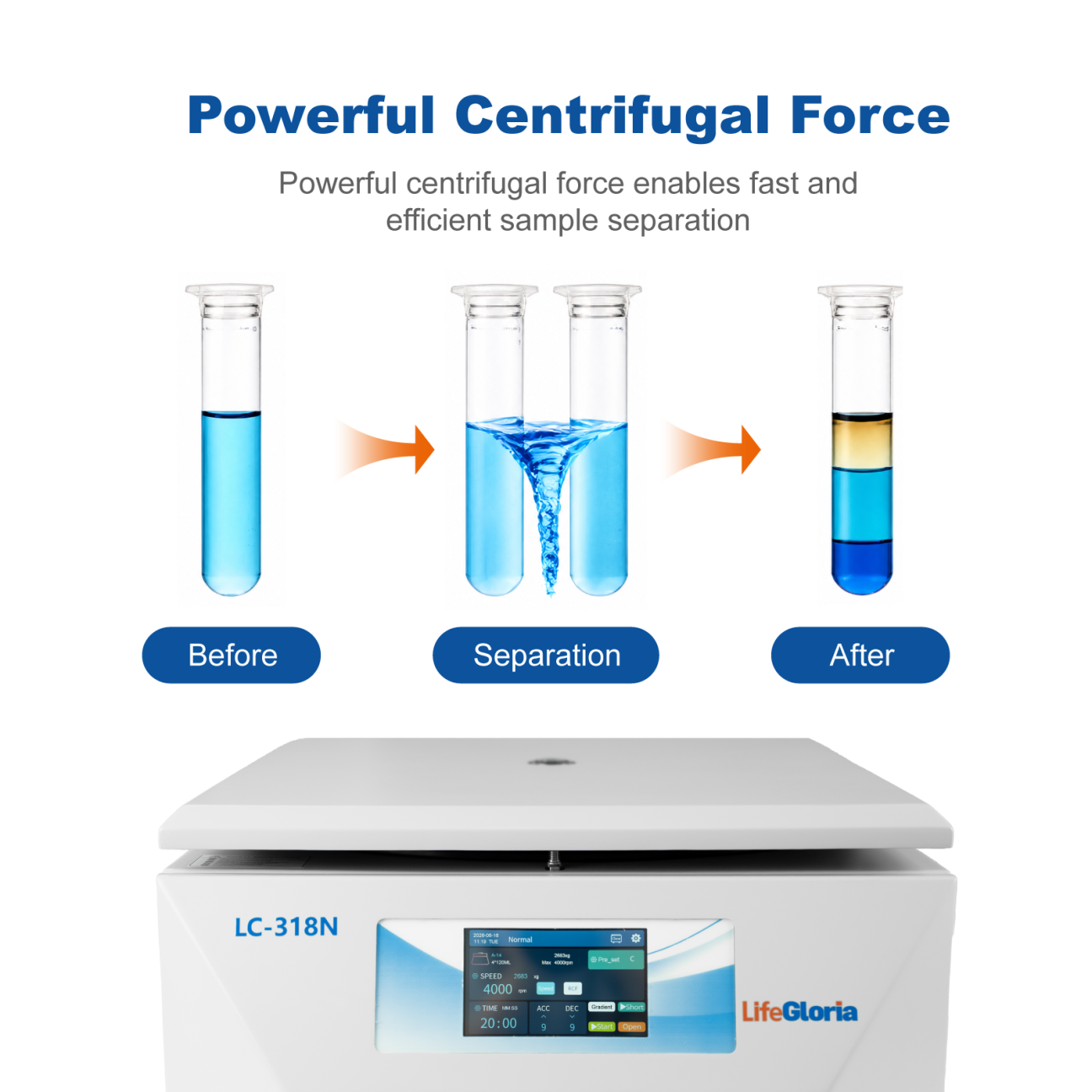
Weak separation may result from incorrect RCF, insufficient time, wrong rotor radius, temperature change, delayed sample processing, or inconsistent braking. It can also come from preparation problems before the centrifuge step.
- Use the protocol's RCF and time
- Record rotor model and sample volume
- Keep sample timing and temperature consistent
- Use the same acceleration and braking profile
- Check tube and reagent condition
Problem 7: Overtemperature, Overspeed, or Voltage Error
Stop using the instrument when a protection code appears. Check ventilation clearance, room temperature, load, rated power supply, and any user-accessible conditions listed in the manual. Do not open the electrical enclosure.
Repeated overtemperature, overspeed, overvoltage, undervoltage, or zero-speed faults require qualified diagnosis. Record the code, run conditions, rotor, load, and when the fault occurred.
Rotor Inspection and Maintenance
Clean spills promptly using compatible methods, keep the chamber dry, and inspect rotors, buckets, lids, adapters, O-rings, and locking features. Corrosion, cracks, deformation, expired service life, or damaged threads are reasons to remove an accessory from use.
- Follow the manufacturer's inspection interval
- Use only approved accessories
- Never exceed rotor speed or load ratings
- Store rotors clean and dry
- Keep maintenance and fault records
When to Stop Troubleshooting and Request Service
| Observation | Operator action |
|---|---|
| Persistent grinding or drive noise | Stop use and request service |
| Crack, corrosion, or deformation | Quarantine the rotor/accessory |
| Repeated electrical or speed fault | Record code and request service |
| Lid interlock can be bypassed or is unreliable | Stop use immediately |
| Vibration remains after correct balancing | Stop use and inspect/service |
| Uncertain spill inside internal parts | Follow decontamination and service procedure |
Frequently Asked Questions
Why is my centrifuge shaking even when tubes look balanced?
The tubes may differ in mass, density, shape, adapter fit, or position. The rotor may also be loose or the bench uneven.
Can I restart after an imbalance error?
Only after the rotor has stopped and you have corrected the load, tube, adapter, and rotor-installation conditions described in the manual.
Why does the centrifuge not reach the set speed?
Possible causes include an invalid rotor limit, excessive load, voltage problems, drive faults, or a protection condition. Record the status and follow the model manual.
Can I repair a centrifuge myself?
Operators should perform only the checks and maintenance authorized by the manual. Electrical, interlock, drive, and structural repairs require qualified service.
Final Thoughts
Good troubleshooting starts by stopping an unsafe run and preserving evidence. Check loading, tube compatibility, rotor installation, settings, environment, and visible condition. If a fault repeats or involves structural, interlock, speed-control, or electrical parts, remove the centrifuge from service and seek qualified support.
Related LifeGloria Resources
Need help choosing laboratory equipment? Contact LifeGloria.
Important: Follow the instrument manual, laboratory SOP, tube and rotor ratings, and local safety requirements.
